
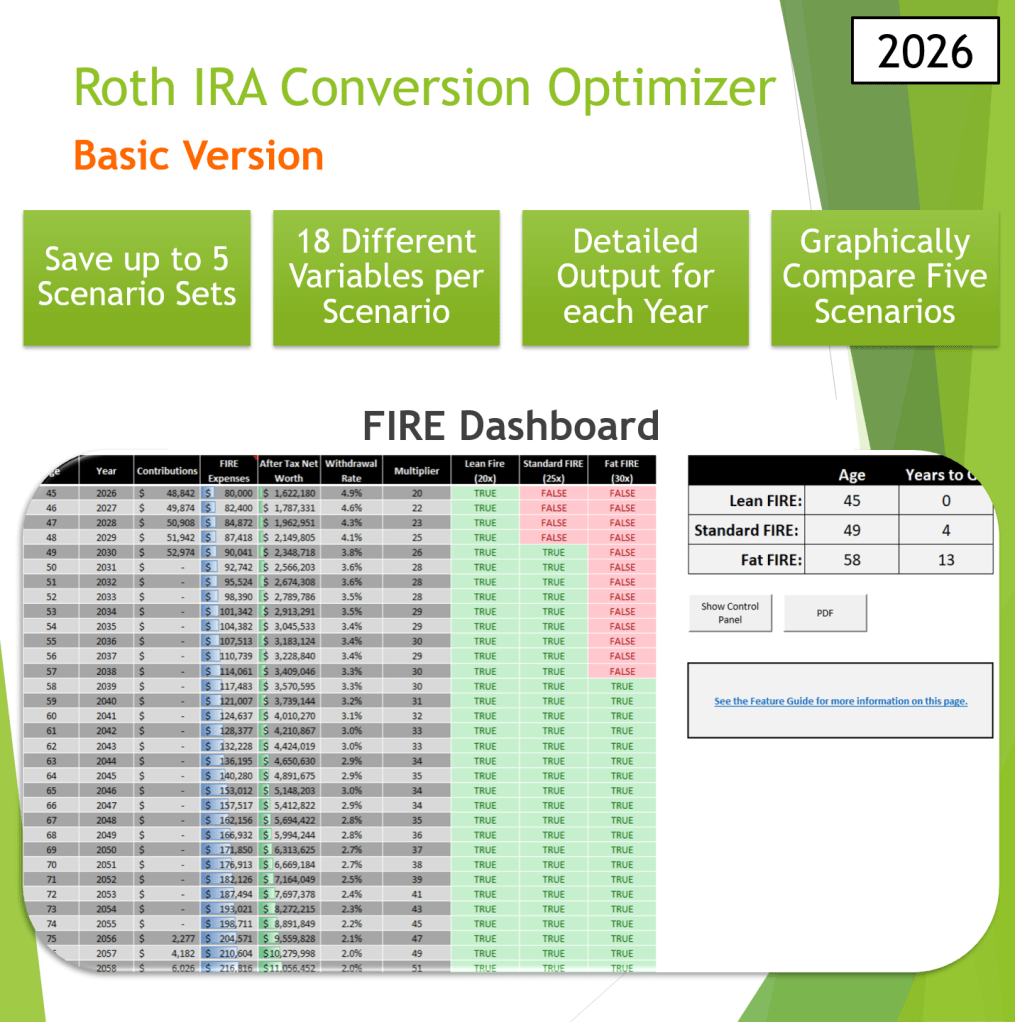
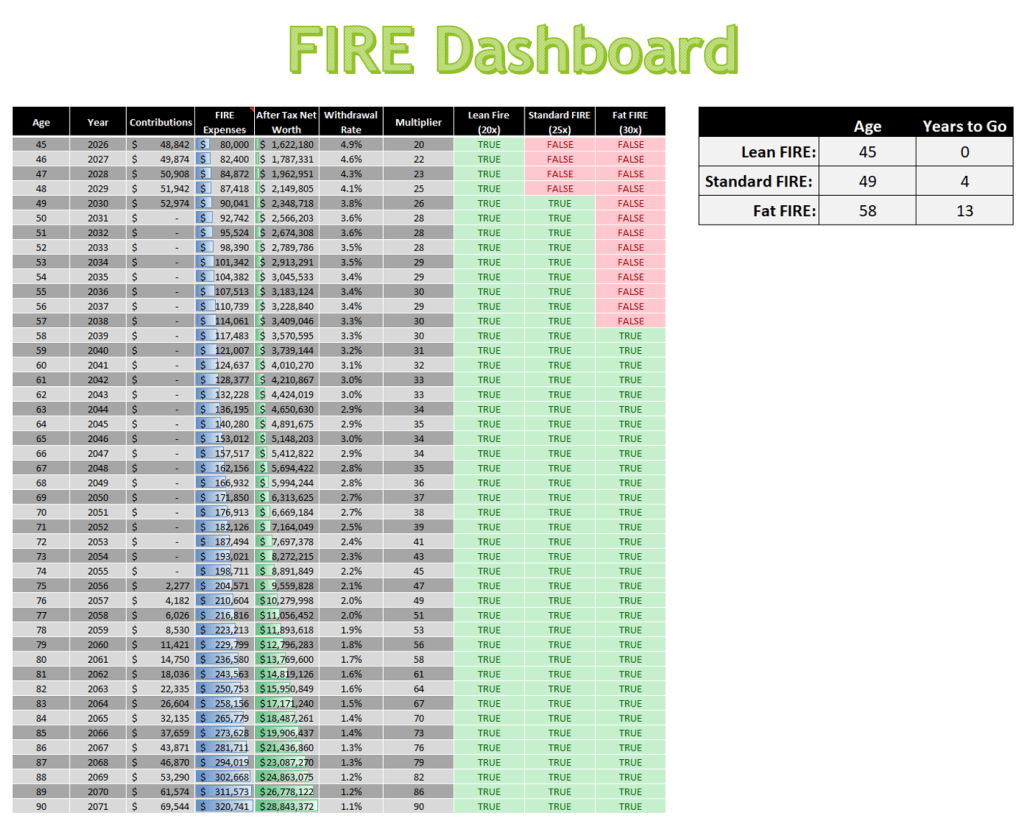
This is the Basic version of the Roth IRA Conversion Optimizer. It’s primary function is to calculate future net worth and FIRE age. It has same tax-aware engine and scenario comparison charts as the Personal Version of the Optimizer. The latest version of Excel for Windows or Excel for Mac (Microsoft 365) is required.


Examples:
- How soon until I can FIRE (Financial Independence Retire Early)?
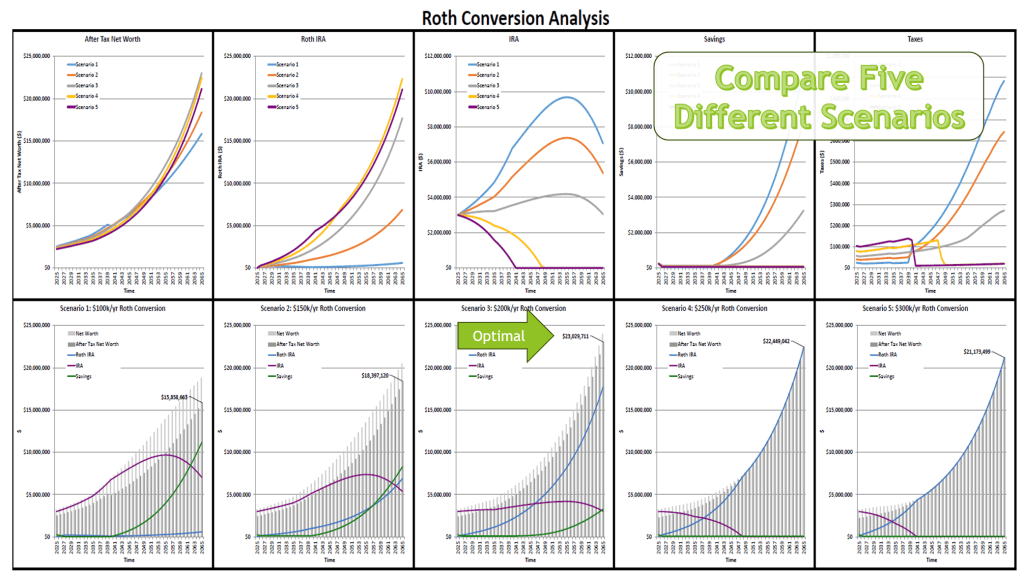
- How do different Roth conversion amounts impact my net worth?
- What’s the impact of RMDs and IRMAA?
- What if I do a 72t or “Rule of 55”?
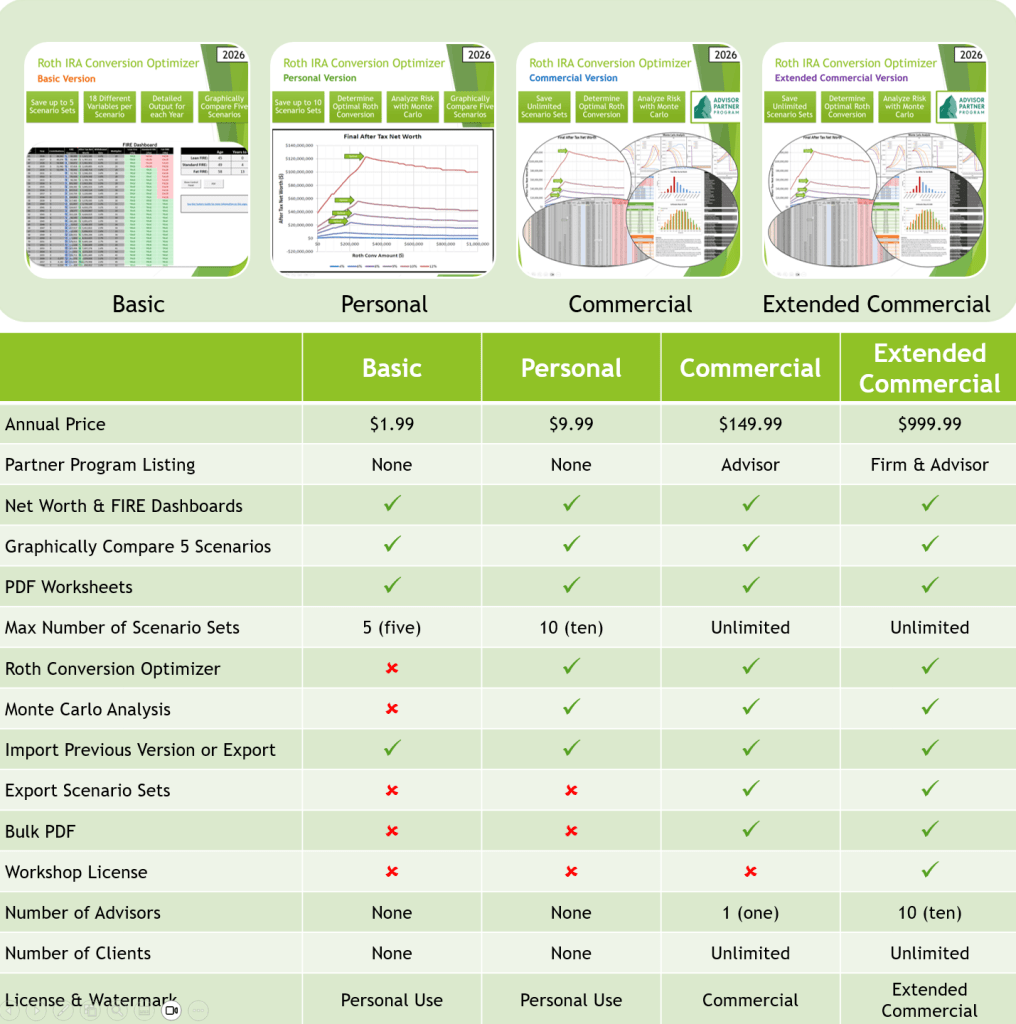
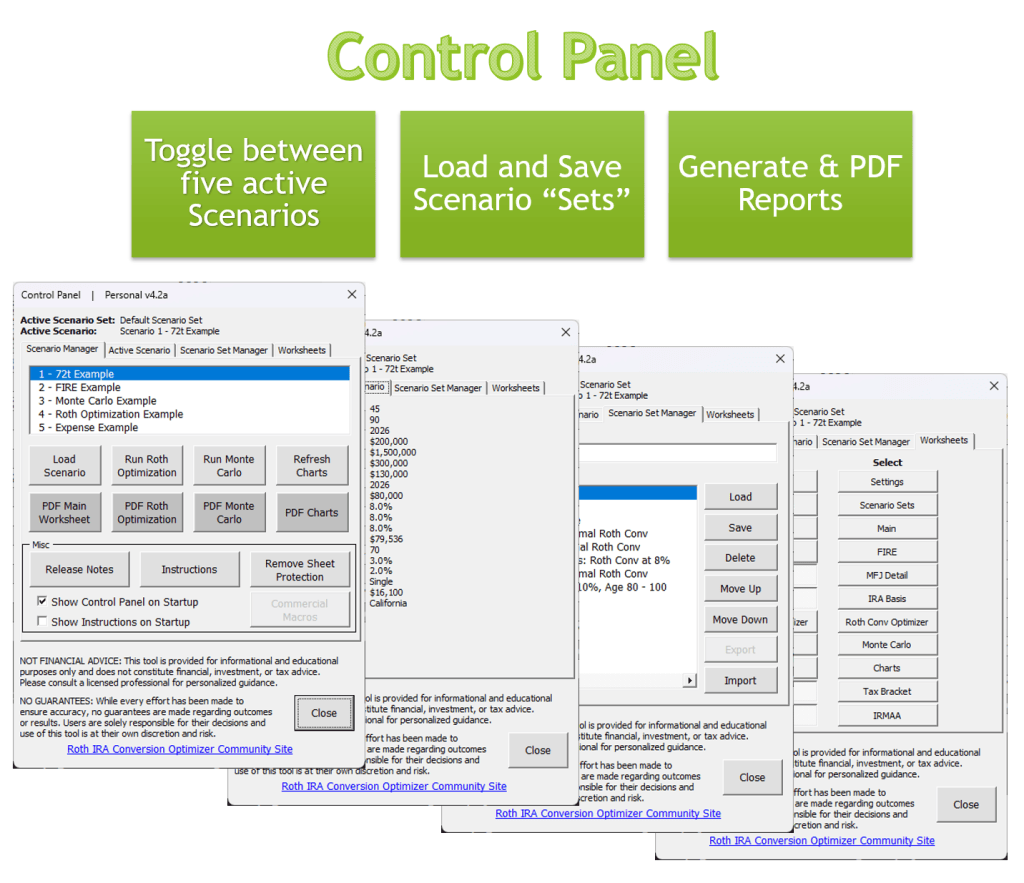
This is the is the same spreadsheet as the Personal Version except the Monte Carlo and Roth Optimization features are disabled. In this version you can create five scenarios (a Scenario Set) and display any of them in the table on the “Main” worksheet, FIRE worksheet, and compare them on the “Charts” worksheet. You can also load and save your Scenario Sets. If your primary focus is creating a retirement forecast and calculating your FIRE age, this is the worksheet for you. If you want to calculate the optimal Roth conversion rate or run a Monte Carlo analysis, then the “Personal” version will be a better fit. Examples of the “Roth Conversion Optimizer” and “Monte Carlo” sheets are included in this version as hidden worksheets so you can see what they look like if desired. See the listing of the “Full” version for more details on these premium features.
Most of the retirement calculators on the market today show you one scenario and sometimes they compare it to a baseline. If you want to test different scenarios, you have to change all your inputs and re-run the calculator. This Excel application it different. It allows you to create a “Set” of five different scenarios and compare them graphically to determine which scenario performs best.
Available at SkyRockRidge.etsy.com